By Alexander Merz · Updated on · Details checked on 7 October 2026
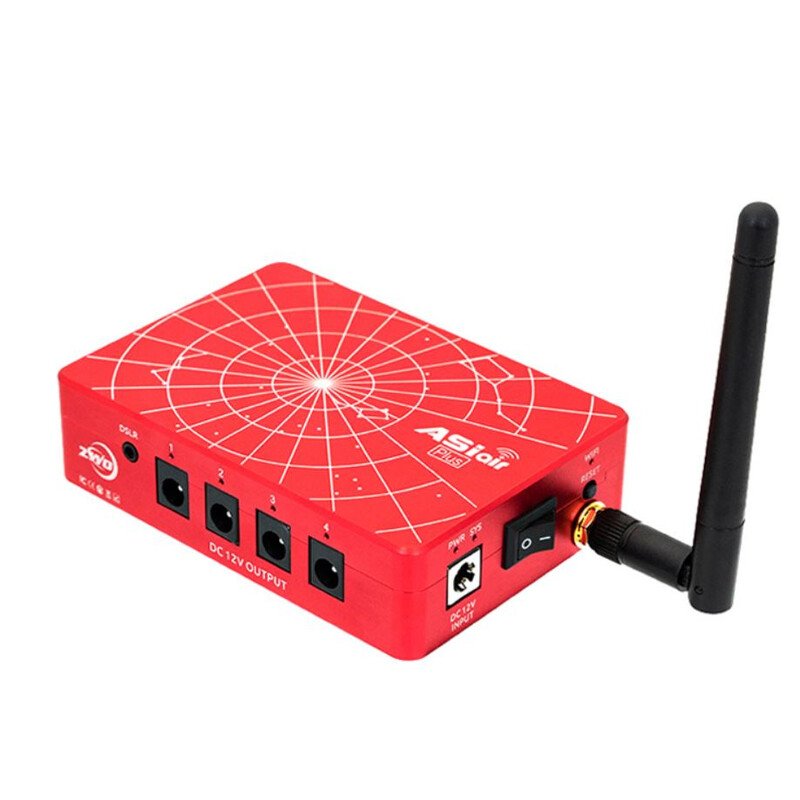
Anyone getting deeper into deep-sky astrophotography inevitably runs into the ZWO ASIAIR. It has become the unofficial standard for controlling a telescope setup out in the field – without a tangle of cables and without a freezing laptop. AstroBackyard has been using it for years, too.
This guide explains what the ASIAIR really does, what you need for it – and whether it’s worth it for you. Because not everyone needs one.
What is the ZWO ASIAIR?
The ASIAIR is a small mini computer with WiFi that sits on the telescope and connects all your gear. Instead of a laptop and cables, you operate everything through the free ASIAIR app.
It handles the four most tedious tasks in astrophotography automatically: polar alignment, finding your target (plate-solving), autoguiding and autofocus. After that, it captures the images and stacks them.
What the ASIAIR can do
| Feature | What it gives you |
|---|---|
| Polar alignment | Precise alignment without a polar scope, in minutes |
| Plate-solving | The telescope finds any target on its own, dead-on |
| Autoguiding | Keeps your target locked for long exposures |
| Autofocus | Focusing via EAF motor, automatically |
| Capture & live stack | Exposure sequences + instant stacked preview |
What you need for it
The ASIAIR is not a do-it-all for every kind of gear. It works best with ZWO components: a ZWO astro camera, a ZWO guide camera, a ZWO focus motor (EAF).
For the mount, it’s worth checking the compatibility list: many common mounts are supported, but not all. And without a tracking mount, the ASIAIR is useless.
So you don’t have to hunt for what these building blocks actually are: this is one complete chain whose parts are known to work together. You can spend less, and you can certainly spend more – what matters is that every part comes from the ZWO ecosystem.
| Building block | What fits | Price | Why this one |
|---|---|---|---|
| Controller | ZWO ASIAIR Plus (256GB)ZWO ASIAIR Plus 256GB | $399.00€ 499 | The device this page is about |
| Astro camera | ZWO ASI585MC Pro USB3 Cooled Color CameraZWO Camera ASI 585 MC Pro Color | $599.00€ 799 | ⭐ Recommendation: cooled colour camera, one cable, colour straight away – the least complicated way into the ZWO chain |
| Guide camera | ZWO ASI120MM Mini Monochrome Astronomy CameraZWO ASI 120MM Mini Mono Camera | $199.00€ 229 | The classic for autoguiding: small, monochrome and sensitive enough for guide stars |
| Focus motor | ZWO Electronic Automatic Focuser (2025)ZWO EAF-N Electronic Automatic Focuser | $199.00€ 275 | Only with a motor on the focuser can the ASIAIR run autofocus by itself |
| Mount | equatorial with tracking – to the mount guide | – | Without tracking, all that automation is useless. Check ZWO’s compatibility list before you buy |
Which camera suits which telescope, and why pixel size and focal length belong together, is covered in detail in the astrophotography camera guide.
Do you even need the ASIAIR?
A clear yes if you’re building a classic deep-sky setup of telescope, mount and ZWO camera, and you want automation.
A clear no if you use a smart telescope like the Seestar – it already has all these functions built in. The ASIAIR is for the build-it-yourself route, not the all-in-one solution.
The standard controller for a ZWO setup: ZWO ASIAIR Plus 256GB
WiFi controller for your telescope: polar align, guiding, autofocus and imaging from the app – replaces the laptop.
Price: € 499
Frequently bought together
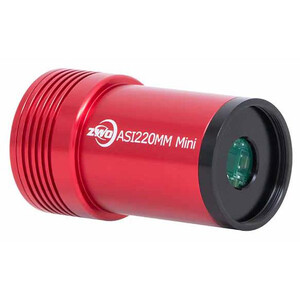
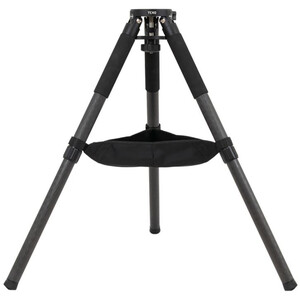
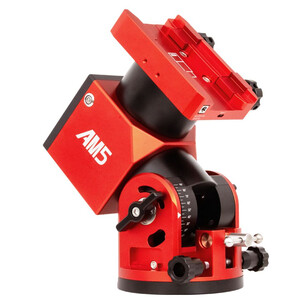
Customers who bought this item at Astroshop also bought:

Frequently asked questions about the ZWO ASIAIR
Does the ASIAIR really replace the laptop?
For most deep-sky tasks, yes. Polar alignment, guiding, capture and focus all run entirely through the app – you no longer need a laptop.
Does the ASIAIR work with any camera?
It works best with ZWO cameras. DSLRs are partly supported, but with limitations. Check compatibility before you buy.
ASIAIR Plus or ASIAIR Mini?
The Plus has more ports, internal storage and stronger WiFi. The Mini is cheaper and more compact, but more basic in its features. For a full-featured setup, the Plus is the safe choice.
And the ASIAIR Pro?
The ASIAIR Pro is the generation before the Plus: same principle, same app, older hardware. If you are buying new today, take the Plus; the Pro mostly turns up second-hand and in older forum threads.
Do I need the ASIAIR for a smart telescope?
No. Smart telescopes like the ZWO Seestar already have control, guiding and stacking built in – an ASIAIR is redundant there.
What does the ZWO ASIAIR cost?
The current ASIAIR Plus with 256 GB runs around $399.00€ 499. On top of that come the remaining components of your setup.