By Alexander Merz · Updated on
A USB microscope is a small camera with macro optics and LED light that sends its image to a laptop, phone or built-in display instead of your eye. Realistically, a digital microscope like this magnifies 20x to 200x – enough for coins, circuit boards and insects, but too little for cells.
The “1000x” or “2000x” claims on the box are a calculation based on screen size, not a property of the optics.
What is a USB microscope?
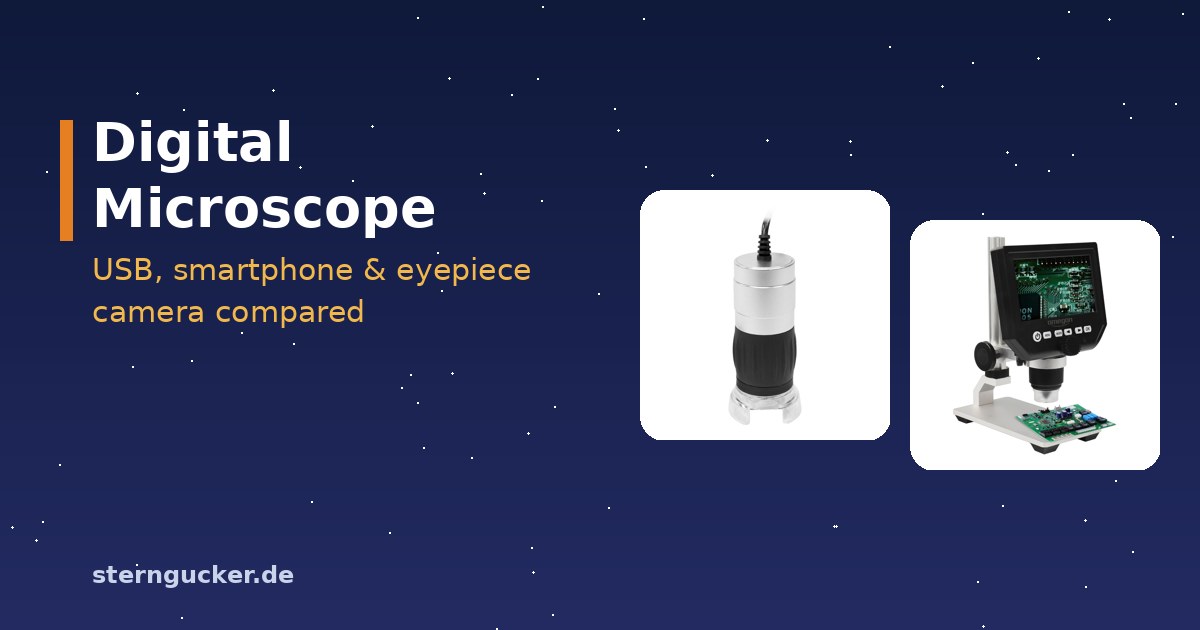
A USB microscope looks like a chunky pen: an LED ring at the front, a lens and a camera sensor inside, and the cable at the back. It works with reflected light – the light falls on the object from above instead of shining up through it as in a classic microscope.
“Digital microscope” is the umbrella term: it also covers models with their own screen, cameras for existing microscopes and smartphone solutions. What they all have in common is that you see the image on a display and can save it with a single click.
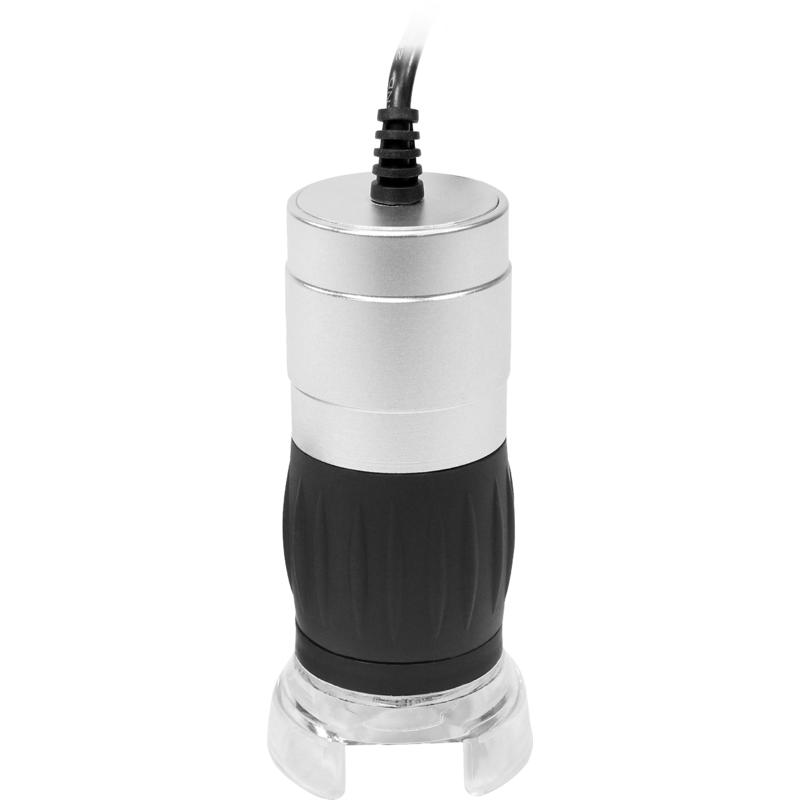
The big advantage: several people can look at the same time, nobody has to squint one eye shut, and photos or videos come along for free. You’ll find an overview of all microscope types in our microscope buying guide.
The five types of digital microscopes compared
Behind “microscope with camera” there are five very different instruments. What matters is whether you want to look at surfaces or at transparent specimens like onion skin and pond water.
| Type | Magnification (real) | Price range | Good for | Not good for |
|---|---|---|---|---|
| USB handheld microscope | 20x to 200x | budget | ⭐ Our pickCoins, stamps, circuit boards, fabrics, skin – on your laptop | Cells, protozoa, working underneath the device |
| Digital microscope with display | 20x to 200x | budget to mid-range | Workbench, collectors, kids without a computer | Cells; high image quality on a small display |
| Eyepiece camera for an existing microscope | same as the microscope, usually 40x to 400x | budget to mid-range | Showing cells, protozoa and specimens on a screen | Surfaces, thick objects |
| Smartphone adapter or holder | same as the microscope | holder: very inexpensive | Photos through the eyepiece, sharing with friends | Shake-free videos, measurements |
| Trinocular microscope with C-mount camera | 40x to 1000x | together in the upper price class | Long-term observation, photos and videos without swapping parts | Small budgets, surfaces |
A trinocular is a microscope with two eyepieces and a third tube just for the camera; C-mount is the standardized thread that microscope cameras screw onto. That way the camera stays firmly mounted while you keep looking with both eyes.
For working with tools under the optics – soldering, watch repair, preparing insects – a stereo microscope is often the better choice. It delivers a three-dimensional image with plenty of room under the objective, while a screen image stays flat and hand-eye coordination takes practice.
USB microscope 2000x? Why the number on the box is wrong
With a classic microscope, you multiply objective by eyepiece. A digital microscope has no eyepiece – here, “magnification” is the width of the image on the monitor divided by the width of the object field.
An example: the device projects a 2 mm wide piece of a coin onto a sensor about 4.8 mm wide – so optically it only magnifies about 2.4x. On a 15-inch laptop with a 345 mm wide screen, that turns into a good 170x, on a 27-inch monitor about 300x, and on a 65-inch TV a good 700x.
So anyone advertising “2000x” has factored in a big TV and digital zoom. Whether you see finer details is decided by the lens and sensor alone – and with USB devices, they really show about what a stereo microscope shows at 20x to 200x.
What you can see with a digital microscope – and what you can’t
A USB microscope is basically a very good magnifying glass with a camera. It shows anything that has a surface and doesn’t need to be transparent impressively well.
| Object | Works? | Useful range | What you’ll see |
|---|---|---|---|
| Coins | very well | 20x to 50x | Embossing, year, scratches, minting errors |
| Circuit boards, solder joints | very well | 20x to 60x | Cold solder joints, hairline cracks, tiny labels |
| Stamps, bills | very well | 20x to 80x | Perforations, printing patterns, microprint |
| Fabrics, fibers | well | 50x to 150x | Weave patterns, individual fibers, lint |
| Skin, hair | well | 50x to 200x | Pores, hair shaft, dandruff |
| Insects, leaves | well | 20x to 100x | Compound eyes, wing veins, plant hairs |
| Cells, protozoa | no | – | Needs transmitted light and 100x to 400x with good optics |
The device is handy in the garden, too: if you want to check leaves for spider mites or plant hairs (trichomes), 60x to 100x is plenty. You can set a handheld microscope right on the leaf for that.
Cells, on the other hand, are transparent and only a few thousandths of a millimeter in size. A USB microscope lacks transmitted light and a high numerical aperture – the figure that tells you how much light an objective gathers and how fine the details are that it can separate.
Digital microscope buying guide: what to look for
We haven’t tested the devices on this page ourselves. We assess spec sheets and experience shared in microscopy forums – and they show that four points decide between joy and frustration.
Megapixels vs. real optical resolution
Many manufacturers advertise 5, 12 or even 50 megapixels. Often that’s interpolated: the sensor natively delivers about 2 MP (1600×1200 or 1920×1080 pixels), and the software just blows up the image.
Even real pixels only help if the lens can resolve that finely. With cheap lenses, the optics are the limit, not the sensor – more pixels then just show more blur.
| Claim on the box | What’s behind it | What really counts |
|---|---|---|
| “up to 2000x” | Screen size and digital zoom factored in | Real range 20x to 200x |
| “12 MP” or more | often interpolated | Native resolution, usually 2 MP |
| “Full HD video” | Resolution, not frame rate | fps at full resolution |
| “with stand” | often a flimsy plastic clip | Metal stand with focusing rack |
Frame rate: 7.5 frames per second stutters
The frame rate in fps (frames per second) is usually in the fine print of the spec sheet. 7.5 fps at the full resolution of 2 MP feels choppy while focusing, and every movement lags. So focus at a lower resolution and only switch up for the photo.
A stand is a must
Handheld, the image shakes so much even at 50x that you can barely make anything out. A sturdy stand with a focusing rack matters more than any megapixel number – wobbly plastic feet let the focus slip at high settings.
USB microscope software and connections
Most USB microscopes use the UVC standard (USB Video Class), the same one every webcam uses. That means you often don’t need any special microscope software at all.
| Device | How it works | Note |
|---|---|---|
| Windows | “Camera” app or VLC | Manufacturer software for measuring and image series |
| macOS | Photo Booth, QuickTime or VLC | Drivers usually not needed |
| Linux | VLC or any webcam app | UVC is recognized directly |
| Android | via OTG adapter and a UVC camera app | Phone must support USB OTG |
| iPhone | usually not via cable | Alternative: Wi-Fi microscope with its own app |
| Without a computer | Device with display or HDMI output | Image directly on a monitor or TV |
OTG (On-the-Go) is the feature that lets an Android phone power and control USB devices. Manufacturer software is mainly worth it for measuring, such as circuit traces or hair thickness – but you first have to calibrate it with a scale.
Searching for “free microscope camera software” often leads to dubious download sites. Stick with the software from the manufacturer’s website or the camera app your operating system already comes with.
Eyepiece camera: making an existing microscope digital
Already have a compound microscope? Then an eyepiece camera is the cheapest way to get a microscope with a camera: you pull out the eyepiece and slide the camera into the tube.
The Bresser MikrOkular Full HD fits the standard 23.2 mm barrel size and delivers 1920×1080 pixels. But its sensor measures only 5.86×3.28 mm – so the field of view on the monitor is noticeably smaller than the circle you see in the eyepiece.
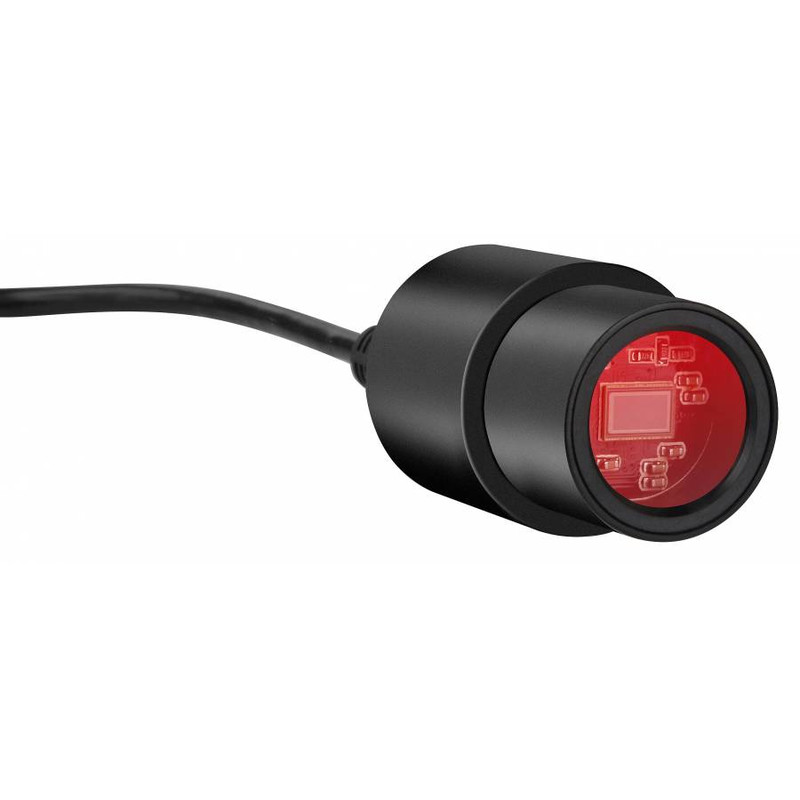
With the 10x objective, the sensor sees just 0.59 mm of the specimen. On a 24-inch monitor that’s equivalent to about 900x, even though only the 10x objective is doing the work – once again, it’s screen magnification.
If you photograph and film all the time, sooner or later you’ll end up with a trinocular and a C-mount camera. Then the camera stays put and you never have to swap anything again – but the combination costs considerably more.
Smartphone microscope: your phone as a microscope camera
“Phone microscope” means two things: small clip-on lenses and holders that place the phone in front of the eyepiece of a real microscope. Only the second option shows cells, because then the microscope does the work.
A clip-on microscope lens for your phone often costs next to nothing and delivers roughly magnifier to stereo level. Usually only the center of the image is sharp, and you have to hold the phone almost on top of the object – fun for fabrics and leaves, but not much more.
The better method is afocal photography: the phone camera looks straight into the eyepiece, just like your eye. Some beginner microscopes, like the Bresser Junior Biolux CA or the National Geographic model below, come with a matching holder.
The round image with a dark border is normal and not a defect. The same technique works on a telescope – more on that in our guide to smartphone astrophotography.
Compound with phone holder: National Geographic microscope, 40x–1280x (smartphone holder)
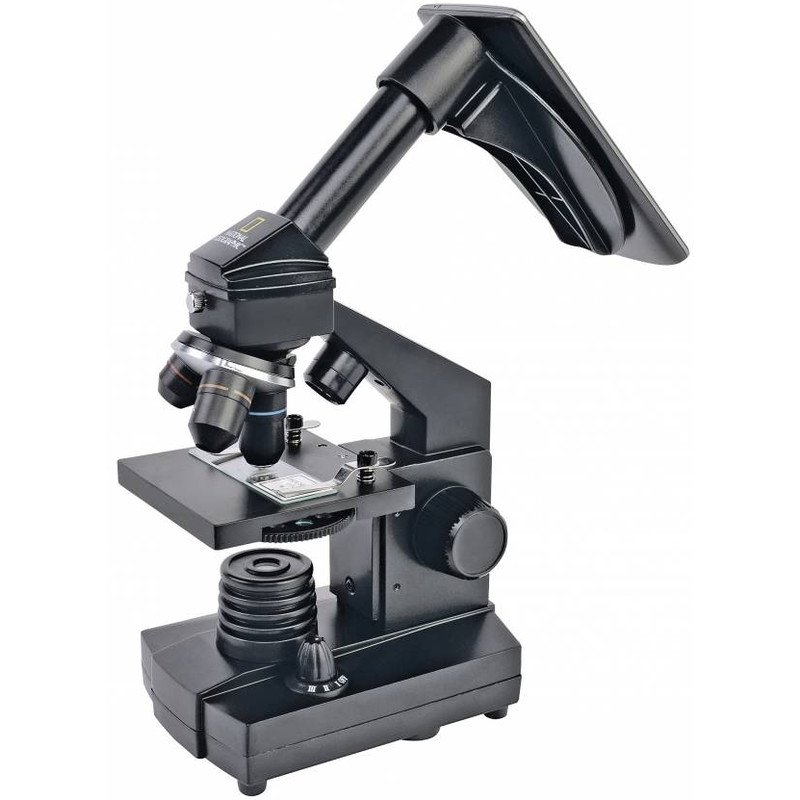
A real compound microscope with 4x, 10x and 40x objectives plus a smartphone holder – so you can photograph onion cells and protozoa that no USB microscope shows. Useful up to 400x; the 1280x only comes from the 16x eyepiece.
Price: € 114.90
Digital microscope for kids
Kids often struggle with an eyepiece: squinting one eye shut, holding still, finding the image again. On a screen, parents and kids can look together, and every find can be saved as a photo right away.
From about age six, kids get along well with a display model or a USB microscope on a stand. It’s important to know that it only shows surfaces: beetles, feathers, salt crystals and fingertips are a hit, but cells stay invisible.
USB microscope comparison: our picks
The table summarizes the devices based on their spec sheets. We haven’t measured or tested them ourselves – our assessment is based on manufacturer information and experience shared in microscopy forums.
| Model | Type | Sensor, frame rate | Connection | Price |
|---|---|---|---|---|
| Omegon DigitalView USB handheld microscope | ⭐ Our pickUSB handheld microscope, up to 200x | 2 MP, 7.5 fps at 1600×1200 | USB | € 59 |
| Omegon DigiStar microscope with 4.3-inch display | 4.3-inch display, aluminum stand | advertised 1x to 600x | works without a computer | € 79 |
| Bresser MikrOkular Full HD eyepiece camera | Eyepiece camera | 1920×1080, sensor 5.86×3.28 mm | USB | € 67.90 |
| ToupTek ToupCam XCAMLITE 1080P camera (HDMI) | C-mount camera | 2 MP Sony Starvis, 60 fps | HDMI, no computer needed | € 239 |
| National Geographic microscope, 40x–1280x (smartphone holder) | Compound with phone holder | your smartphone | – | € 114.90 |
| Dino-Lite AM7515MZT microscope (5 MP, 20x–220x) | Pro handheld microscope, 20x to 220x | 5 MP, 30 fps | USB 2.0 | € 1,189 |
Links marked with an asterisk are affiliate links. Prices updated daily from Astroshop.
Our pick: Omegon DigitalView USB handheld microscope
Solid USB handheld microscope with 2 MP and up to 200x, plus stand and software. Just right for coins, circuit boards and fabrics on your laptop. The 7.5 fps at full resolution stutters – choose a lower resolution for focusing.
Price: € 59
No computer needed: Omegon DigiStar microscope with 4.3-inch display
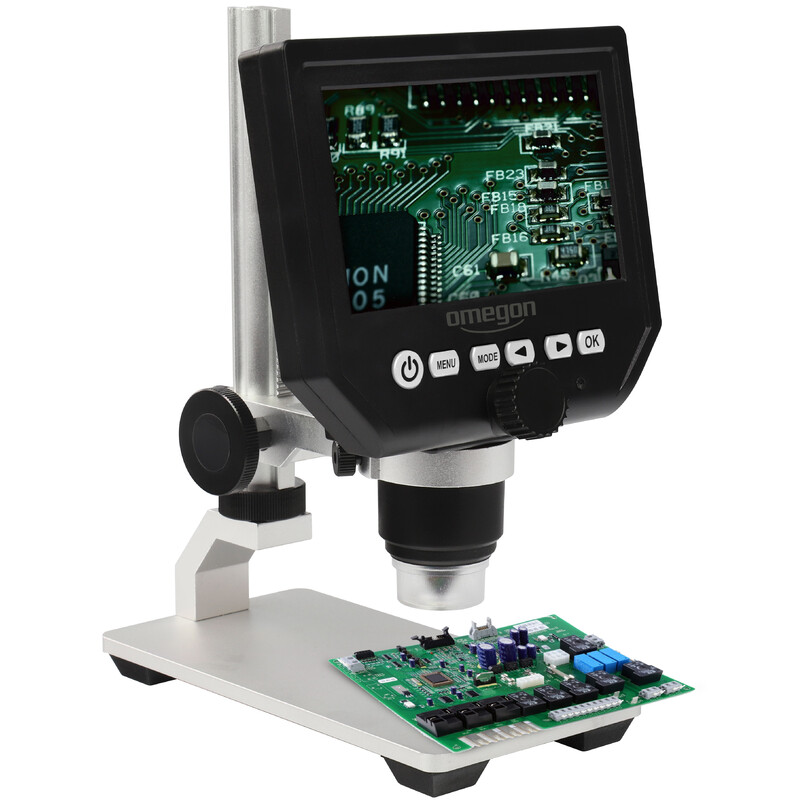
Digital microscope with a 4.3-inch display and an aluminum stand with rack and pinion: switch it on, slide your object underneath, focus. Good for the workbench, stamps and kids. The 600x is a display calculation, and a large monitor is more comfortable for fine details.
Price: € 79
For existing microscopes: Bresser MikrOkular Full HD eyepiece camera
Turns your compound microscope into a digital one: Full HD via USB, fits a 23.2 mm barrel, adapters included. The small sensor only shows part of the eyepiece image – a reducer lens helps.
Price: € 67.90
Live image via HDMI: ToupTek ToupCam XCAMLITE 1080P camera (HDMI)
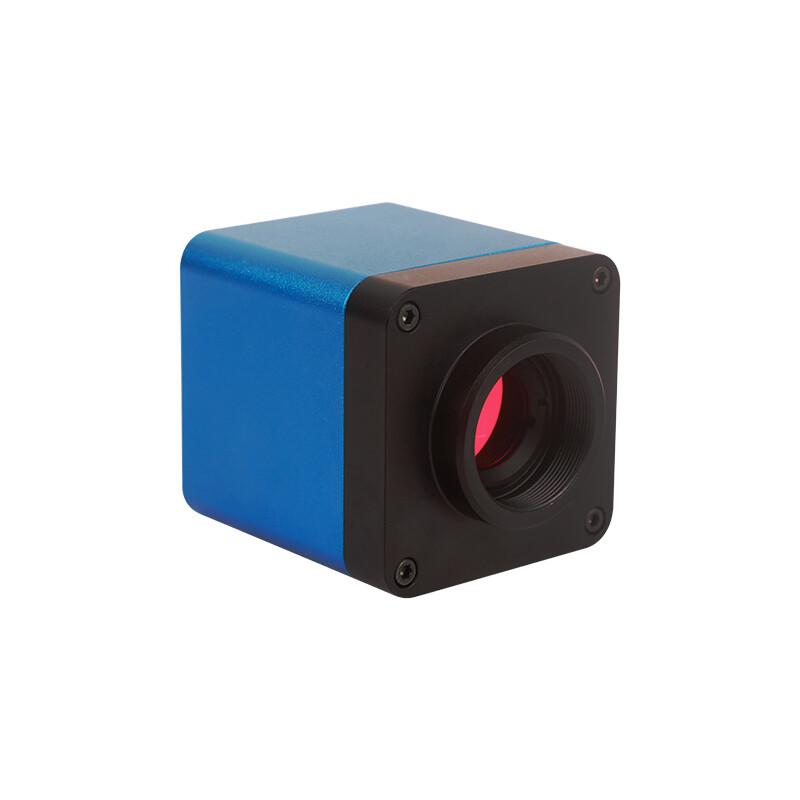
Microscope camera with a Sony Starvis sensor and smooth 60 fps, connected directly to a monitor via HDMI – ideal for demonstrations and a trinocular. Only 2 MP, but real ones, and no stutter while focusing.
Price: € 239
The Dino-Lite AM7515MZT offers true 5 MP, 20x to 220x zoom, eight controllable LEDs and measuring software that, once calibrated, measures distances and angles right in the image. On top of that comes EDOF (extended depth of field): the software combines several focal planes into one image that’s sharp throughout – a real gain for solder joints and components. The extra cost pays off for workshops, quality control and documentation; if you’re looking at coins and insects at home, you don’t need it.
For advanced users: Dino-Lite AM7515MZT microscope (5 MP, 20x–220x)
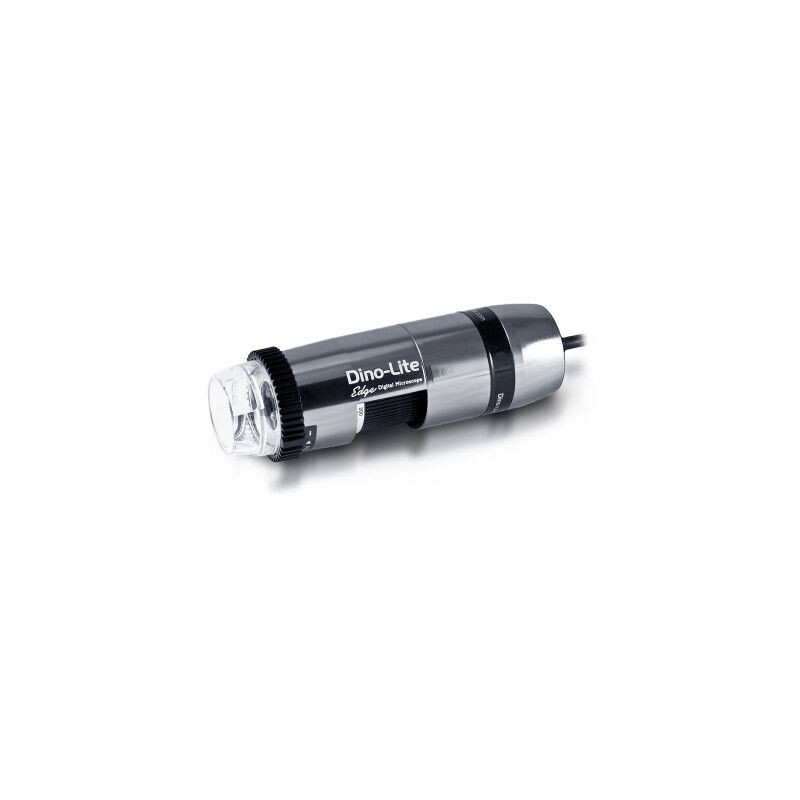
Professional handheld microscope with 5 MP sensor, measuring software and controllable LED – for workshop, inspection and documentation.
Price: € 1,189
Frequently asked questions about digital and USB microscopes
Can you see cells with a USB microscope?
No, not in detail. USB microscopes work with reflected light and have a small numerical aperture, so transparent cells stay invisible or blurry. For onion skin, cheek cells and protozoa you need a compound microscope with 100x to 400x.
What software do I need for a USB microscope?
Usually nothing special: most devices are UVC-compatible and work like a webcam with the Windows Camera app, Photo Booth on a Mac or VLC. You only need the manufacturer software for extra features like measuring or time-lapse.
Does a USB microscope work with a phone?
With Android, usually yes, if the phone supports USB OTG – you’ll need an OTG adapter and a UVC camera app. On an iPhone it generally doesn’t work via cable. For that, there are Wi-Fi microscopes with their own app.
How much magnification does a digital microscope need?
For coins and stamps, 20x to 50x is enough; for fabrics, hair and insects, 50x to 200x. A USB microscope doesn’t show more anyway, no matter what the box says. Pay more attention to the stand, lighting and native resolution.
Which is better: digital microscope or stereo microscope?
For taking photos, showing things and looking together, a digital microscope is more practical. For working under the optics – soldering, repairing watches, preparing insects – a stereo microscope is better, because it offers a three-dimensional image and lots of room. Many workshops use both.
Is a clip-on microscope lens for your phone worth it?
As an inexpensive gadget, yes; as a microscope replacement, no. Clip-on lenses deliver roughly magnifier level, are only sharp in the center and need almost direct contact with the object. If you want to take serious photos with your phone, get a holder for a real microscope.
At what age is a digital microscope suitable for kids?
From about age six, with an adult helping to set it up. Devices with a display or a USB microscope on a stand are easier than an eyepiece, because nobody has to squint one eye shut. They should be used for surfaces like beetles, leaves and coins – cells need a compound microscope.
Keep reading: Buying a microscope: the guide · Stereo microscope · Microscope for kids · What to look at under the microscope
Links marked with an asterisk (*) are affiliate links. If you buy through them, we earn a small commission – the price stays the same for you.